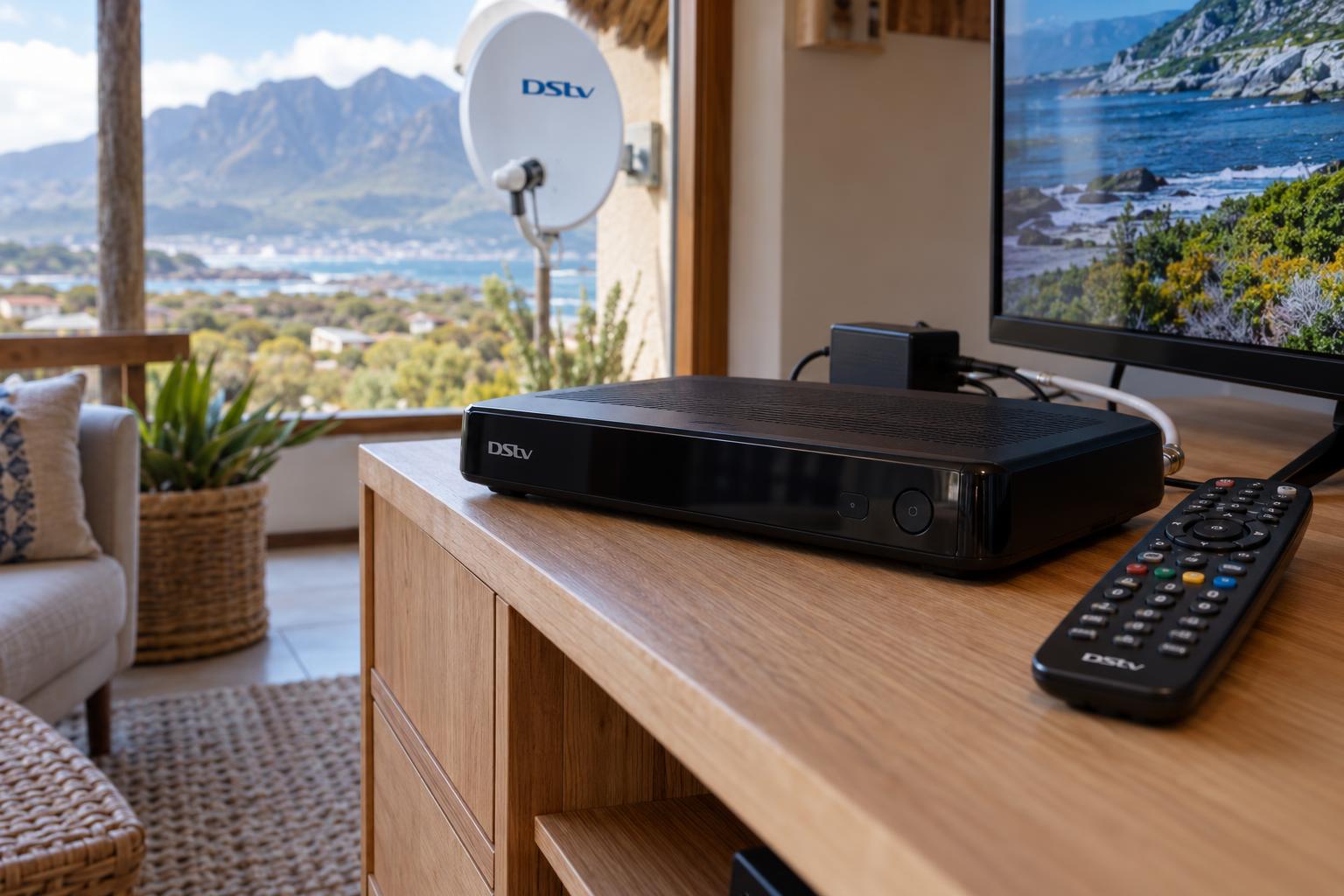
Quick answer: If your DStv decoder won't turn on, Betty's Bay homes usually have a power problem, not a broken decoder. Test the wall socket, check the plug and the power supply brick, then switch off at the wall for a full minute. Look at the front light: no light points to power, a solid red light means standby, and a flashing red light means an error. If there is still no life, the power supply or the decoder needs a technician.
A dead decoder on a Friday night is a sinking feeling. You press the button, nothing happens, and the first thought is that you need a new box. This guide clears up the common myths, gives you the facts from the decoder manuals, and ends with a checklist you can do in ten minutes.
We get this call often for a DStv decoder won't turn on Betty's Bay problem, especially after a storm, a power cut or a long stretch with the house locked up. Most of the time the fix is simple. Sometimes it is not, and we will show you how to tell the difference.
Key points before you start
- No light at all usually means no power is reaching the decoder.
- A solid red light means the decoder has power and is in standby.
- A flashing red light means the decoder is reporting an error.
- The external power supply fails far more often than the decoder itself.
- Never open the decoder or the power supply. Both can hold a charge.
DStv decoder won't turn on? Three myths we hear every week
Most people who call us have already decided what is wrong. Often they are half right. Here are the beliefs we hear most, and what is really going on.
Myth 1: "No picture means the decoder is dead"
Not quite. A blank TV can mean the decoder is fine but the TV is on the wrong input. It can also mean the decoder is on and simply has no signal from the dish.
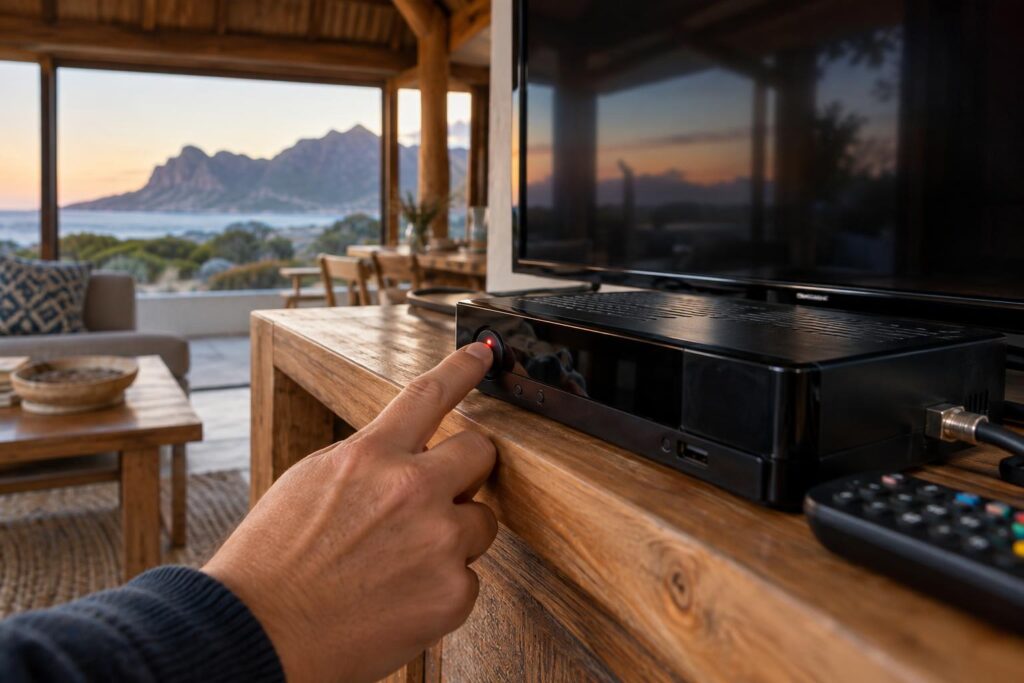
A truly dead decoder shows no light on the front panel at all. That is the first thing to check.
Myth 2: "The remote does nothing, so the box is broken"
A flat battery or a remote that has lost its pairing feels exactly like a dead decoder. Press the standby button on the decoder itself. If it wakes up, the box is fine and the remote is the problem.
Myth 3: "A red light means it is broken"
A steady red light is normal. The official DStv quick guides say solid red means the decoder is in standby. It has power. It is waiting for you.
A flashing red light is different. That one points to an error the decoder has picked up.
The facts: what the lights on your decoder tell you
The small lights on the front panel are your best clue. These meanings come from the DStv Explora user guide and the HD decoder quick start guide.
| What you see | What it means | What to do |
|---|---|---|
| No light at all | No power reaching the decoder | Check socket, plug, cable and power supply |
| Solid red | Decoder in standby | Press standby on the decoder, not the remote |
| Flashing red | Decoder is showing an error | Reboot, then read the error on the TV |
| Solid amber | Scanning or downloading software | Leave it alone and let it finish |
| Solid green | Tuned to a channel and working | Check the TV input and HDMI cable |
When there is no light at all
This is the classic dead decoder. Power is not getting into the box. The cause sits somewhere between the wall socket and the round plug at the back of the decoder.
When it boots but shows an error
If the box powers up but the screen shows a code, the power side is fine. An error like DStv error E16 is an account or service message, not a power fault. That needs a different fix.
Why a DStv decoder won't turn on after a storm or power cut
DStv decoders run on 12 volts DC. They get that from a separate power supply brick that plugs into the wall. That brick is the weak link.
When the power drops and comes back with a spike, the brick takes the hit first. It can die silently. The decoder then looks dead, even though it is perfectly healthy.
The power supply brick
Signs that the power supply has failed:
- The socket works with a phone charger, but the decoder shows no light.
- The brick is unusually hot, or it makes a faint buzzing or ticking sound.
- The decoder comes on for a moment, then goes off again.
- The cable is kinked, chewed or loose where it enters the brick.
Only use a replacement that matches the original output. A wrong unit can damage the decoder.
Surges along the Overberg coast
Storms, lightning and power cuts all put a strain on electronics. The Explora user guide itself recommends surge protection on the power supply in areas with heavy lightning.
A good surge plug costs far less than a decoder. We often recommend one when we do DStv repairs in Betty's Bay after a power fault.
What this means for homes in Betty's Bay, Pringle Bay and Rooi Els
Our coast is hard on electronics in ways that inland towns do not see. Three local conditions cause most of the dead decoders we visit.
Holiday homes that stand empty
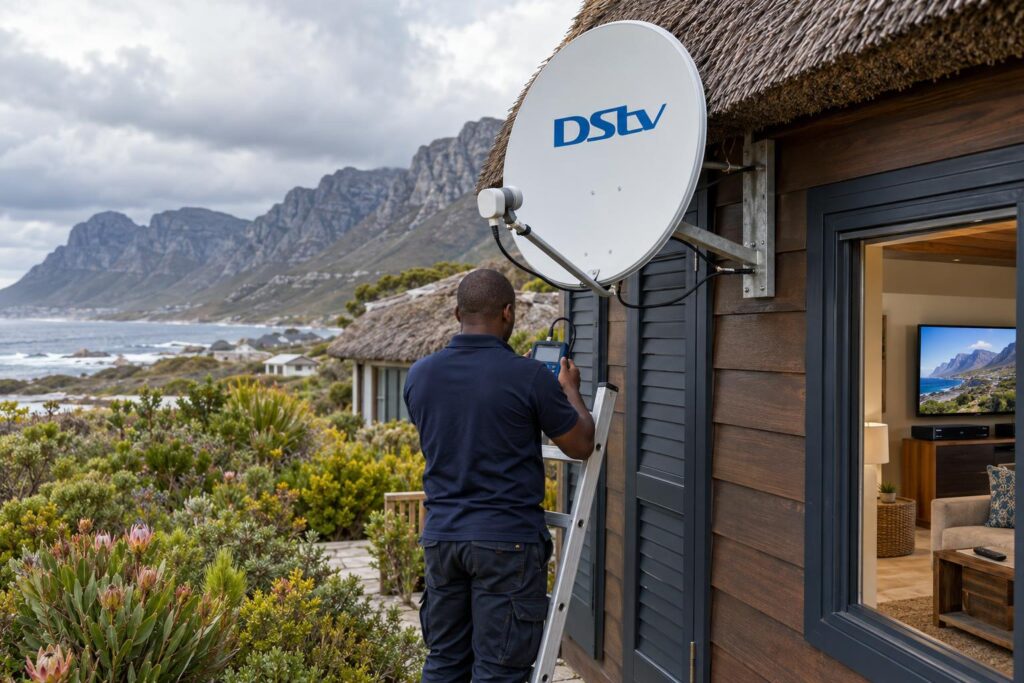
Many houses in Betty's Bay, Pringle Bay and Silver Sands sit closed for weeks. The decoder stays plugged in through every power cut and surge. Nobody notices until the family arrives for the long weekend and the box is dead.
Before you lock up, switch the decoder off at the wall. Our holiday home DStv checklist covers the other steps worth doing before you leave.
Damp sea air and hot cabinets
Salt air gets inside plugs and connectors over time. A green, crusty plug pin can stop power flowing properly. Unplug and look at the pins if your house is close to the sea in Rooi Els or along the Hangklip side.
Heat is the other problem. The Explora guide asks for at least 10cm of free space above and beside the decoder. A box squeezed into a closed cabinet, with the router stacked on top, runs hot and can shut down.
If you are not sure your setup is safe, our Betty's Bay DStv installers can check the whole chain from the dish to the plug in one visit.
Local tip: If you are in Kleinmond or Betty's Bay and a whole room of electronics died at once, check the plug point and the multiplug first. A tripped multiplug switch fools a lot of people.
DStv decoder won't turn on checklist: 8 checks before you call
Do these in order. Each step rules out one cause. Most people find the problem by step five.
- Test the wall socket. Plug in a lamp or phone charger. If that does not work, the problem is the socket, the multiplug or the circuit.
- Check for a power cut. Look at the oven clock or the neighbours' lights. A dead circuit makes everything look broken.
- Take out the multiplug. Plug the decoder straight into a wall socket. Multiplugs and surge plugs can fail on their own.
- Push every plug home. Check the plug at the wall, the cable into the brick and the round plug at the back of the decoder.
- Do a full power reset. Switch off at the wall, wait a full minute, then switch on. Give it two minutes to start, as an Explora takes a while.
- Press standby on the box. Use the button on the decoder, not the remote. On many models, holding it for a few seconds reboots the decoder.
- Feel for heat. If the top of the box is very hot, leave it off for 30 minutes and give it more space.
- Look at the brick. Check for a burnt smell, swelling, buzzing or a damaged cable. If you find any of these, unplug it and stop.
If you still have no light after step eight, the power supply or the decoder needs testing with the right equipment. That is when a call makes sense.
Still no light on the decoder?
We test the power supply, the decoder and the whole connection, and we tell you honestly what is worth fixing.
The decoder works, but the TV still shows nothing
Sometimes the box turns on fine and the problem sits elsewhere. A green light with a blank screen points to the TV, the HDMI cable or the signal.
Check the TV side first
- Press the source or input button on the TV remote and select the right HDMI port.
- Swap the HDMI cable or try another port on the TV.
- Turn the TV off and on again at the wall.
Signal problems that look like power problems
If the box is on but the screen says there is no signal, look outside. A dish knocked out of line by the south-easter gives you the E48-32 no signal error, not a dead decoder.
A picture that breaks into blocks or stops is a signal issue too. Our guide on picture freezing or pixelating explains the usual coastal causes.
Repair or replace: what happens when we come out
When we arrive, we test before we guess. We check the socket, measure the power supply and try the decoder on a known good supply.
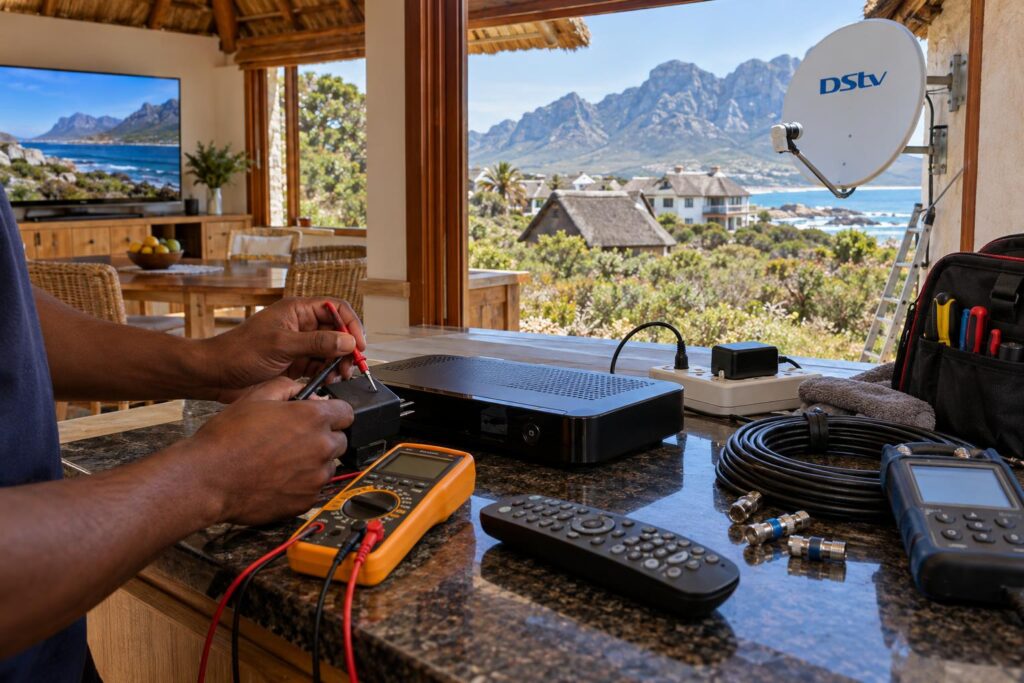
That test tells us quickly if you need a new power supply, a decoder repair or a replacement box. We tell you what we found before any work starts.
| What we find | Usual fix | Good to know |
|---|---|---|
| Failed power supply | Replace with a matching unit | Usually the quickest and cheapest outcome |
| Loose or corroded plug | Clean or replace the connector | Common in homes close to the sea |
| Overheating decoder | Move it and improve airflow | Prevents the same fault coming back |
| Internal decoder fault | Repair or replace the decoder | We explain the options before you decide |
If the decoder needs replacing
If the box is beyond repair, you will need a new one linked to your account. Our guide on how to activate a replacement decoder takes you through it step by step.
It can also be the right moment to upgrade. If you want to record and pause live TV, see our breakdown of the Explora Ultra price and installation first.
Why a local team helps
We cover the whole stretch from Rooi Els and Pringle Bay through Hangklip and Betty's Bay to Kleinmond. Booking DStv installation in Betty's Bay with a team that knows the area means one visit that covers the decoder, the cabling and the dish.
We can also fit a surge plug and give the box proper airflow, so the same fault is less likely to come back.
Get your DStv back on today
Same-day call-outs are often possible across the Overberg coast. Send us a photo of the decoder lights on WhatsApp and we will tell you what we think it is.
One last tip. Keep the original power supply with the decoder and label it. In a house full of chargers and bricks, the wrong one gets plugged in more often than you would think.
DStv decoder won't turn on: frequently asked questions
Why won't my DStv decoder turn on at all?
The most common reason is that no power is reaching it. Test the socket, remove the multiplug and check every plug. If the socket works and there is still no light, the power supply brick has most likely failed.
My DStv decoder is showing a red light only. What should I do?
A solid red light means the decoder has power and is in standby. Press the standby button on the decoder itself, not the remote. If it stays on red and will not wake, switch off at the wall for a minute and try again.
Can a power surge stop a DStv decoder from turning on?
Yes. A surge after a power cut or lightning often damages the power supply first, and sometimes the decoder too. A surge plug between the wall and the power supply is a cheap way to protect it.
How do I reset a DStv decoder that won't turn on?
Switch it off at the wall, wait a full minute, then switch it back on. If the light comes on, press and hold the standby button on the decoder for a few seconds to reboot it. This does not affect your subscription.
Can my DStv decoder be repaired, or do I need a new one?
Many dead decoders only need a new power supply, which is the cheaper fix. If the decoder itself has failed, we test it and explain whether repair or replacement makes more sense. You will know the options before any work starts.
Do you come out to Pringle Bay, Rooi Els and Kleinmond?
Yes. We cover Betty's Bay, Pringle Bay, Rooi Els, Hangklip, Silver Sands and Kleinmond. Call or WhatsApp 079 754 5527 and we will give you a time, often the same day.