Quick answer: DStv error E16 means your decoder is getting a signal, but the channel is not authorised on your smartcard. It is an account message, not a broken dish. Switch the decoder on, check that your account is paid, then clear the error on the MyDStv app, DStv WhatsApp or USSD and leave the decoder on for up to 15 minutes.
Most DStv error E16 Betty's Bay calls we get start the same way. Someone opens the holiday house, plugs the decoder back in and sees a black screen with a code. The first thought is that the wind has knocked the dish. With DStv error E16, it usually has not.
E16 is one of the most common DStv messages, and one of the easiest to fix. Below we clear up the myths, explain the facts and give you a simple checklist. You will know in a few minutes whether you can fix it from the couch or whether you need a technician on the roof.
DStv error E16: the myths we hear most
We hear a few ideas about E16 again and again, from Rooi Els to Kleinmond. They sound sensible. They also send people up ladders for no reason.
Myth 1: "E16 means the dish has moved"
Fact: E16 is an authorisation message. Your decoder can see the satellite. It just has not been told that you may watch that channel. That is the whole point of DStv error E16. A dish that has moved in the south-easter shows a signal error instead, usually E48-32.
Myth 2: "The decoder is broken"
Fact: the box is normally fine. It is waiting for an instruction from DStv. Buying a new decoder will not clear the code if the account is the problem.
Myth 3: "I paid, so it should work straight away"
Fact: payment and authorisation are two separate steps. The decoder must be switched on to receive the signal that authorises your channels. If it was off when you paid, it missed that message.
Myth 4: "Only a technician can clear E16"
Fact: you can clear it yourself in a few minutes on your phone. We only need to come out if the code keeps coming back, or if a signal fault is hiding behind it.
What DStv error E16 really means
In plain words, E16 says: "I can hear the satellite, but this channel is locked for this smartcard." DStv's own help pages describe it as an error that shows when a customer cannot view the product they want.
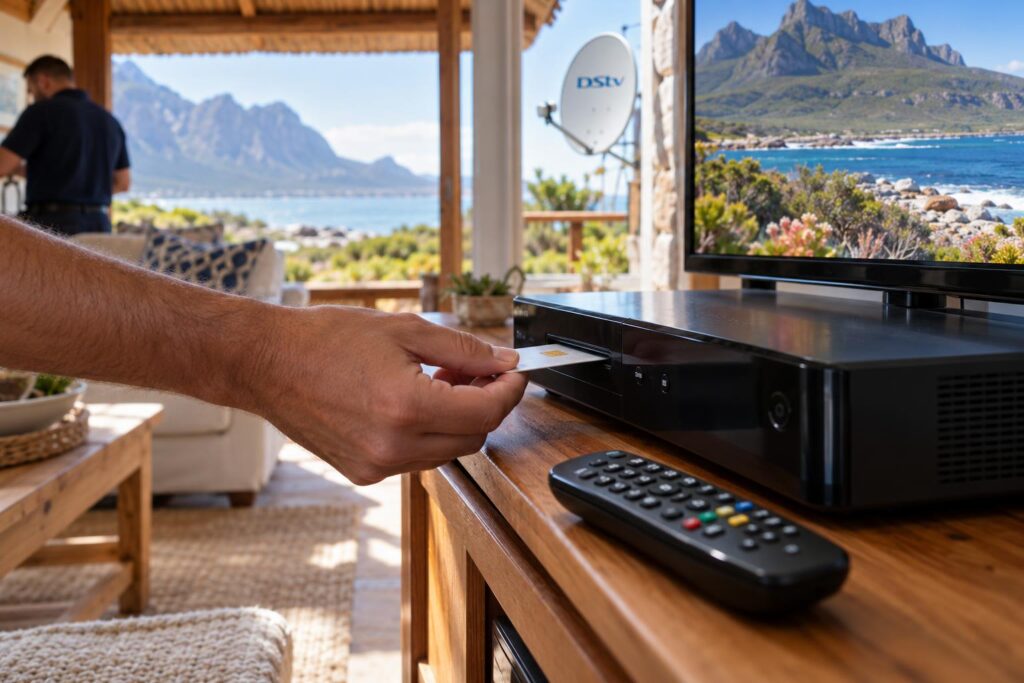
You may see a number after the code, such as E16-4 or E16-0. The home fix is the same for both. Start with the account and the reset, not the roof.
The common causes of an E16 message
DStv lists these reasons on its help pages:
- The subscription is unpaid or was paid short.
- You are trying to watch a channel that is not in your package.
- The decoder was switched off while the payment went through.
- The decoder software is out of date.
- A weak signal from a poor installation, which is less common.
Why the decoder must stay on
Your channels are switched on by a message sent over the satellite to your smartcard. A decoder at the wall switch cannot receive it. This is why load shedding, or a house that was closed up for months, so often ends in E16.
If you changed package recently, it is worth checking what your new bouquet includes. Our guide to DStv packages and prices explains the current line-up in simple terms.
How to clear DStv error E16 yourself
Do these steps in order. Most homes clear DStv error E16 and are watching again before the kettle has boiled.
- Switch the decoder on and tune to the channel that shows E16. Leave it there.
- Check that the account is paid up. If it was not, make the payment first.
- Have your smartcard or IUC number ready. It is on the card in the decoder and on your account.
- Clear the error using one of DStv's self-service options listed below.
- Leave the decoder on the same channel. DStv says it can take around 15 minutes to clear.
- If the code is still there, switch off at the plug, wait a minute and switch on again.
- Still stuck? Remove the smartcard, check that the gold chip is clean, put it back the right way and restart.
Using the MyDStv app or WhatsApp
The MyDStv app has a fix errors option. Choose your decoder, select E16 and send the reset. DStv Self Service is also on WhatsApp: save 060 060 3788 and type "Hello" to begin. These options are listed on the official DStv help page.
Using USSD when the internet is down
If the fibre or LTE is down after a storm, dial *120*68584# on your cellphone. The menu lets you clear errors, check your balance and reconnect packages. It works on a basic phone with no data.
Local tip: Cell reception can be patchy behind the dunes and near the mountain. If the app keeps timing out, step outside or use the USSD code, which needs far less signal.
E16 or a signal fault? DStv error codes compared
The trick is to read the code correctly. Each one points to a different part of the system, and DStv error E16 points to your account.
| What you see | What it usually means | First step |
|---|---|---|
| E16 on one or more channels | Channel not authorised on your smartcard | Check payment, then clear the error with self-service |
| E48-32 on all channels | No usable signal from the dish | Check the cable at the back of the decoder, then call us |
| Picture breaks into blocks in wind or rain | Weak or unstable signal | Check the dish, LNB and connectors |
| No light on the decoder at all | Power supply or decoder fault | Check the plug, multiplug and surge protector |
If your screen says E48-32, our guide to the E48-32 error is the better place to start.
If the picture is breaking up in bad weather, read about DStv picture freezing or pixelating on the coast.
When E16 hides a signal problem
Now and then a weak signal and an E16 show up together. The reset seems to work, then the code returns a day later. Signs to watch for:
- E16 shows next to signal codes like E48-32.
- Many channels drop out, not just one package.
- The problem gets worse when the south-easter blows.
- The signal reading on the decoder's tuner status screen is low.
Salt air near the beach at Silver Sands and wind off the Kogelberg are hard on LNBs and connectors. That is when proper dish alignment for the south-easter and fresh weather seals make the difference.
Tried the reset and still seeing E16?
Send us a photo of the screen on WhatsApp. We will tell you if it is an account issue or a job for a technician, before anyone drives out.
What DStv error E16 means for Betty's Bay homes
Our coast has its own patterns, and they explain why DStv error E16 is such a regular visitor here. Many homes here stand empty for weeks, power is not always steady and decoders change hands often. Each of these makes E16 more likely.
Holiday homes that open up again
A house in Pringle Bay or Hangklip may sit closed from autumn to December. The decoder is unplugged, the account may be paused and the smartcard falls out of step. On the first night back, E16 is waiting.
Plug in and switch on the decoder as soon as you arrive. Then pay or reconnect and send the reset while you unpack. Our article on remote readiness for an empty holiday home covers simple ways to prepare before you travel.
Load shedding and power dips
If the power is off when your debit order runs, the decoder misses the authorisation message. Once the power is back, a quick reset usually clears it. A good surge protector is still worth having, because power spikes damage decoders and they cause a different set of faults.
Second-hand decoders and moved smartcards
A decoder bought from a neighbour or left by a previous owner often shows E16. The smartcard must be linked to your own account first. Our step-by-step guide on how to activate a DStv decoder explains this for new and second-hand boxes.
Complexes with a shared dish
In a complex, each unit has its own decoder and account, even when everyone shares one dish. If only your unit shows DStv error E16, the shared dish is almost certainly fine. Look at your own account first.
When to call a technician for DStv repairs
The self-service reset solves most DStv error E16 cases. Call us when the code keeps coming back, when the smartcard looks damaged, or when you also see signal errors.
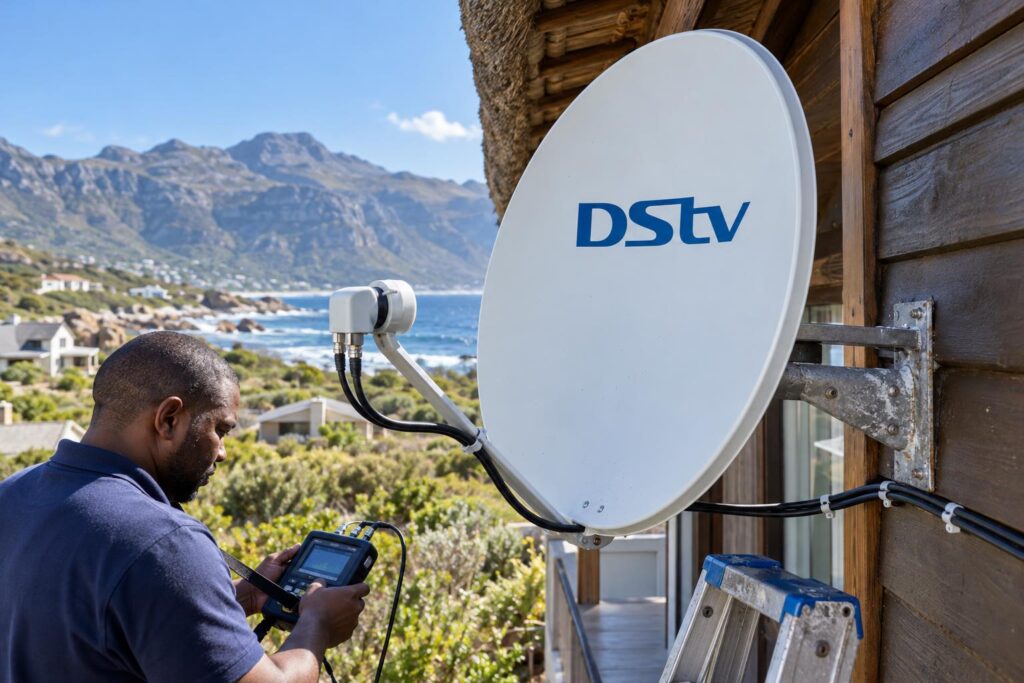
Our DStv repairs service starts with a signal reading at the decoder and at the dish. If the account is the issue, we say so and do not sell you parts. If the LNB or connectors have been eaten by salt, we replace them and seal the joins properly.
We cover the whole Overberg coast, from Rooi Els through to Kleinmond. Along with DStv installation in Betty's Bay, we handle Explora setups, XtraView and dish alignment for the same homes we fix E16 for.
What we do on an E16 callout:
- Read the signal strength and quality on the decoder.
- Confirm the smartcard number matches the account.
- Check the decoder software is up to date.
- Inspect the LNB, cable and connectors for corrosion or water.
- Test again once the fix is done.
Your E16 checklist before you phone us
Run through this list first. It can save you a callout fee, and it gives us useful facts if we do need to come out.
Key points for clearing E16
- E16 is about your account and smartcard, not the dish.
- Keep the decoder on and tuned to the channel with the error.
- Pay or reconnect first, then send the reset.
- Use the MyDStv app, WhatsApp on 060 060 3788 or *120*68584#.
- Allow around 15 minutes, then restart at the plug.
- Check the smartcard is clean and inserted correctly.
- If E48-32 shows too, you have a signal fault as well.
If you have done all of this and the screen still says DStv error E16, write down the full code and your smartcard number. Then send them to our Betty's Bay DStv installers and we will take it from there.
Need a hand with a stubborn E16?
We work across Betty's Bay, Pringle Bay, Rooi Els and Kleinmond. Tell us the code and when it started, and we will give you a clear answer.
Keep your smartcard number saved on your phone. It makes every reset faster, wherever you are.
DStv error E16: frequently asked questions
What does DStv error E16 mean?
DStv error E16 means your decoder has a signal but the channel is not authorised on your smartcard. It usually points to an unpaid account, a channel outside your package or a decoder that was off when you paid. It is not normally a dish fault.
How do I fix DStv error E16?
Switch the decoder on and tune to the affected channel. Make sure your account is paid, then clear the error on the MyDStv app, DStv WhatsApp on 060 060 3788 or by dialling *120*68584#. Leave the decoder on for around 15 minutes.
How long does it take for E16 to clear?
DStv says it can take around 15 minutes after you send the reset. The decoder must stay on for the whole time. If nothing changes after that, restart it at the plug and try once more.
Why does DStv error E16 keep coming back?
A repeating E16 often means the account and smartcard do not match, the card is dirty or damaged, or a weak signal is interrupting the decoder. If you also see E48-32, have the dish and LNB checked.
Can I fix E16 without internet?
Yes. Dial *120*68584# on any cellphone and choose the option to clear errors. It works without data, which helps when the fibre or LTE is down after a storm.
Is DStv error E16 caused by wind or rain?
Not directly. Wind and rain cause signal codes like E48-32, while E16 is an authorisation message. A badly aligned dish can sometimes add to the problem, so a technician should check it if resets do not hold.