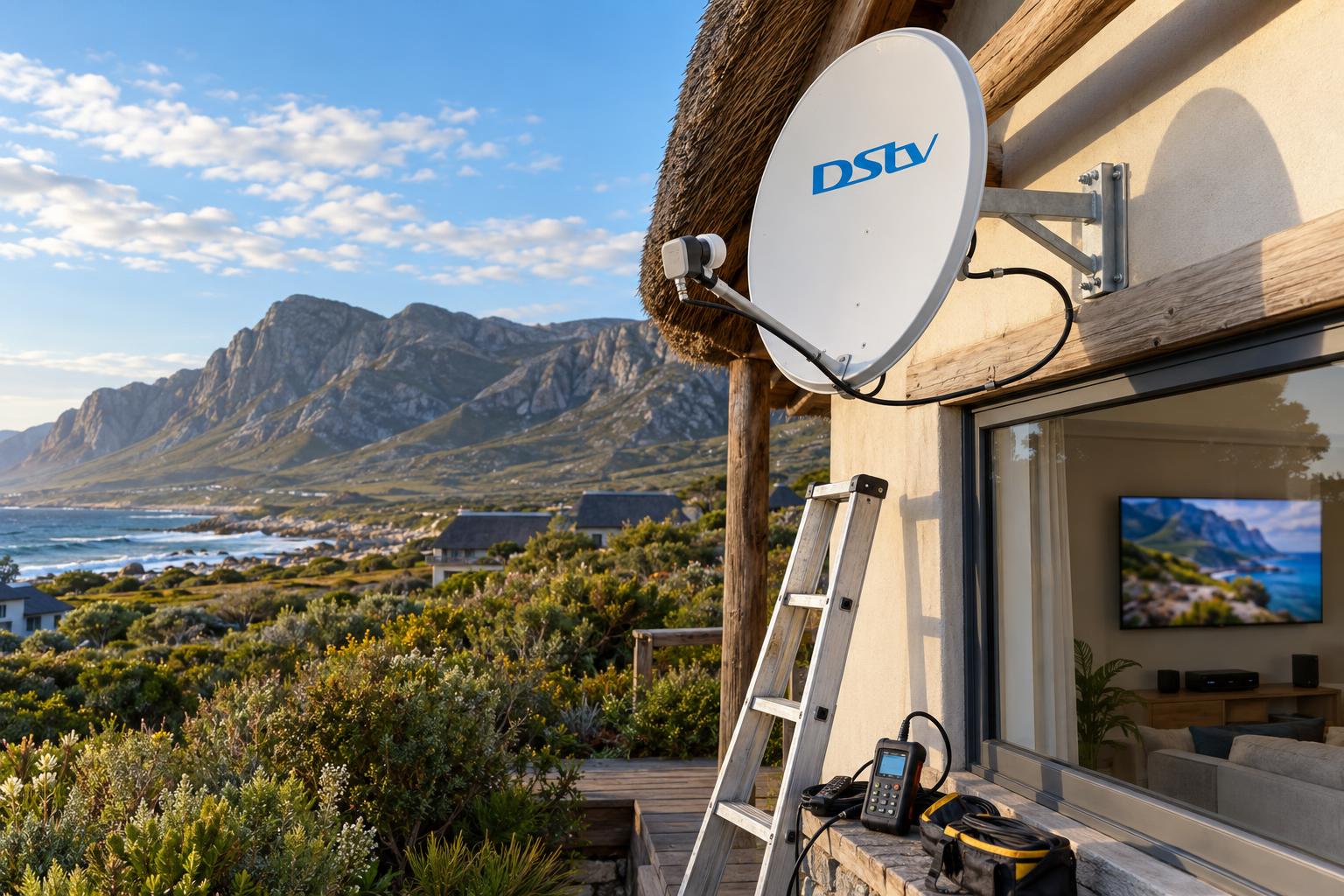
Quick answer: A satellite decoder is the better main option for most Betty's Bay homes, because it does not depend on your internet line and keeps working when the network is slow. DStv Stream suits homes with strong, uncapped internet and people who do not want a dish. Many households use both: a decoder on the main TV and the free streams that come with a decoder subscription on phones and laptops.
The DStv Stream vs decoder Betty's Bay question lands on our phone almost every week. A new owner moves into Pringle Bay, or a family wants to cut costs on the holiday house, and they ask if they still need a dish. This buyer's guide gives you the straight answer, then compares the two side by side, shows the October 2026 prices, explains the setup and lists the mistakes we see most often.
DStv Stream vs decoder: the decision in plain terms
Both options give you the same DStv channels. The difference is how the picture reaches your TV. A decoder gets it from the dish on your roof. DStv Stream gets it through your internet connection.
What DStv Stream is
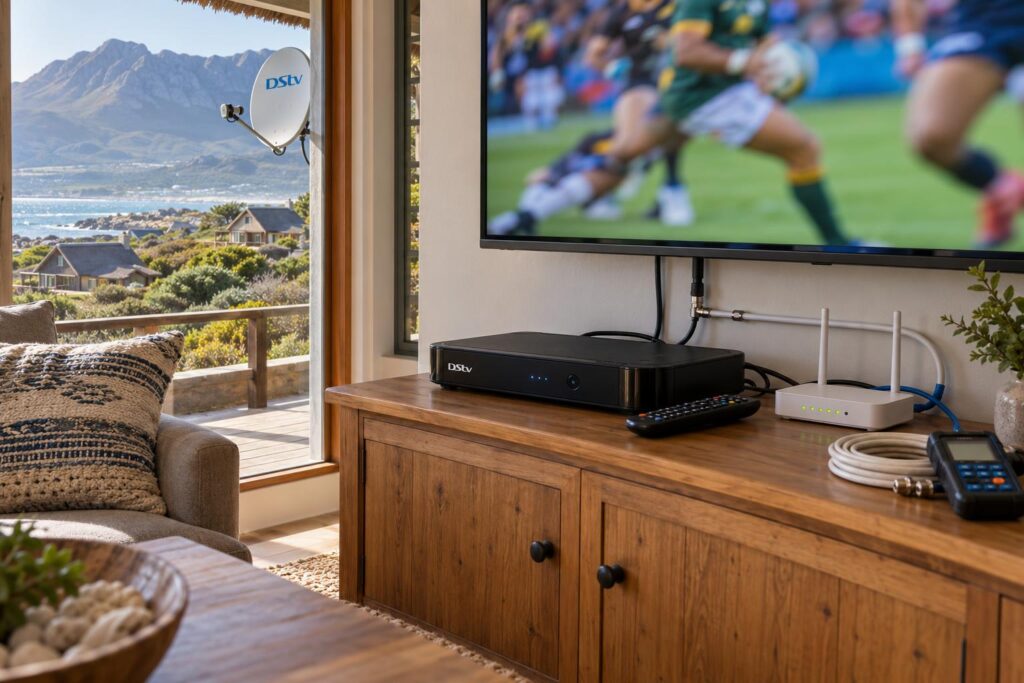
DStv Stream is DStv's streaming only subscription. DStv describes it as "no decoder, no dish, no installation time". You watch through the DStv Stream app on a smart TV, phone, tablet, laptop or a streaming device.
Everything depends on your internet. DStv recommends an uncapped connection with a line speed of at least 4Mbps, and 10Mbps if you want HD.
What a decoder gives you
A decoder takes its signal from the satellite through a dish and LNB on your roof. It uses no home data for live channels. An Explora also records shows to its own hard drive, so you can pause live TV and watch later.
A decoder subscription also includes streaming at no extra cost. So choosing a decoder does not mean giving up the app. That is the point most people miss, and we explain how it works with a proper DStv installation in Betty's Bay further down.
Key points before you choose
- Same channels on both, but the price per package is not always the same.
- DStv Stream needs strong, steady internet at the TV. A decoder needs a well-aligned dish.
- A decoder subscription includes app streaming on other devices.
- EasyView, the cheapest package, is only offered on a decoder.
- Stream has no hard drive of your own. You rely on Catch Up and downloads on selected devices.
DStv Stream vs decoder compared side by side
Here is how the DStv Stream vs decoder choice stacks up in the homes we visit along the Overberg coast. Read it with your own house in mind: your internet, your roof and how often you are here.
| What matters | DStv Stream | Satellite decoder |
|---|---|---|
| Signal source | Your internet line | Dish and LNB on the roof |
| Home data used for live TV | Yes, every hour you watch | None |
| Equipment needed | Compatible smart TV or device | Decoder, dish, LNB and cable |
| Installation | None, you sign in yourself | Dish install and alignment |
| Recording | Catch Up and downloads only | Yes, on an Explora |
| Hurt by wind | No | Only if the dish is badly mounted |
| Hurt by slow internet | Yes, buffering and drops | No, for live channels |
| Cheapest package | Starter | EasyView |
How many screens you get
DStv lists the number of screens per package on its Stream page. On a decoder, Premium, Movies & Series and Sports include one decoder view plus two "anywhere" streams. Select, Starter and EasyView include one decoder view plus one anywhere stream.
On a DStv Stream subscription, Premium, Movies & Series and Sports get two anywhere streams and one mobile stream. Select and Starter get one anywhere stream and one mobile stream. You can register up to four devices on your account.
Picture quality and sport
A decoder gives the same picture every time, no matter how busy the internet is. Streaming quality rises and falls with your line. On a big rugby Saturday, a weak line shows it first.
If you want the best of both on one box, the Explora Ultra runs the DStv Stream app alongside the satellite channels. Our Explora and Explora Ultra price guide sets out what the box costs before you decide.
DStv Stream vs decoder prices in October 2026
These are DStv's own advertised prices for the new package line-up, at the time of writing (October 2026). They come from DStv's complete guide to the new DStv packages.
| Package | On a decoder | On DStv Stream | Difference |
|---|---|---|---|
| EasyView | R30 pm | Not offered | Decoder only |
| Starter | R150 pm | R99 pm | Stream R51 less |
| Select | R339 pm | R299 pm | Stream R40 less |
| Sports | R479 pm | R399 pm | Stream R80 less |
| Movies & Series | R500 pm | R500 pm | Same |
| Premium | R979 pm, or R799 pm on a 24-month contract | R799 pm | Same on contract |
So Stream is cheaper on the three middle packages. On Movies & Series the price is the same. On Premium, a 24-month decoder contract matches the Stream price. For the full package line-up and which one suits your household, see our DStv packages and prices guide.
The costs that are not on the price list
The monthly fee is only part of the bill. Look at these before you decide:
- Data on Stream: every hour of viewing uses data, and HD uses the most. On a capped or LTE line, this can cost more than the R40 to R80 you save.
- A compatible TV: older smart TVs may not run the DStv Stream app. You may need a streaming device.
- Hardware for a decoder: a decoder, dish, LNB and cable are once-off costs, unless you already have them.
- Installation: a decoder needs a proper install. Stream needs none, but it may need better WiFi at the TV.
If your house already has a dish, the hardware cost may be small. If you are starting from nothing, our guide on what a proper dish install costs explains what drives the price on this coast.
Not sure which way to go?
Tell us about your internet, your TVs and how often you are in the house. We will give you an honest answer, even if that answer is "you don't need us".
Internet, wind and power on the Overberg coast
This is where the DStv Stream vs decoder choice becomes local. The same decision plays out differently in a Kleinmond townhouse than in a cottage at the end of a road in Rooi Els.
Your internet line decides if Stream will work
Some homes here have fibre. Others use fixed wireless or LTE. A line that is fine for email can still struggle with live HD sport on a Saturday evening, when the whole street is online.
The router is also often in the wrong place. It sits where the line enters the house, and the TV is at the other end, behind thick walls. Our WiFi and network installation service fixes this with a cable or a wired access point at the TV.
Wind and the dish
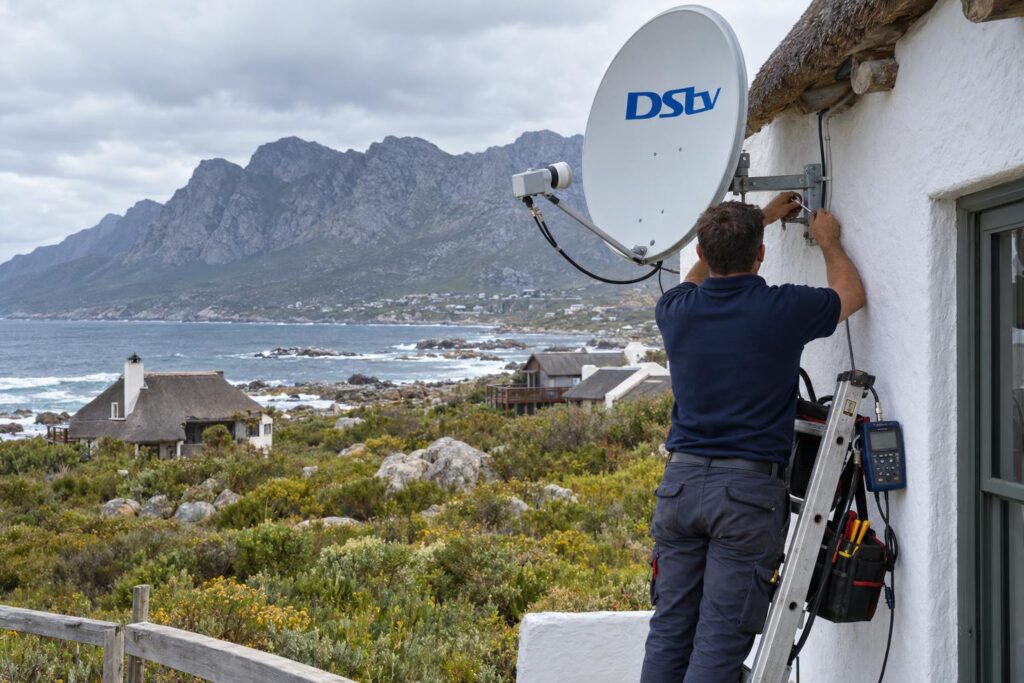
The southeaster is the main enemy of a decoder setup here. A dish on a weak bracket moves, and the picture breaks up. A firm mount and sealed connectors solve most of this. We explain how in our article on dish alignment for the southeaster.
Power cuts and load shedding
A decoder only needs the decoder and TV to have power. Stream needs the TV, the router and the line itself. If the tower or the fibre equipment down the road loses power, your picture goes too, even with an inverter at home.
Local tip: Before you cancel a decoder, test Stream on your main TV for a full weekend, including a live match. Do it in season, when Betty's Bay and Pringle Bay are full and the networks are busiest.
Installing a decoder or setting up DStv Stream
Stream is a do-it-yourself job. A decoder is best left to a technician. Here is what each one involves.
Setting up DStv Stream on a smart TV
DStv's own help page on logging in to DStv Stream on your TV gives the short version. In practice it works like this:
- Make sure the TV is connected to your internet, ideally by cable.
- Download the DStv Stream app from your TV's app store.
- Open the app. A code appears on the TV screen.
- On your phone or laptop, go to dstv.stream/TV and sign in to your DStv account.
- Enter the code. The TV links to your account and the channels open.
- If the code expires, close and reopen the app to get a new one.
What a decoder install involves
A decoder install starts on the roof. We check the dish position and line of sight, fit or check the LNB, run sealed cable to the TV and measure the signal on a meter. Then we connect the decoder and help you with activation.
If you are using a new or second-hand box, our guide on how to activate a DStv decoder covers that step.
For the roof work, it pays to book our Betty's Bay DStv installers, who mount for the wind and seal every outdoor joint against salt air.
Running both on one account
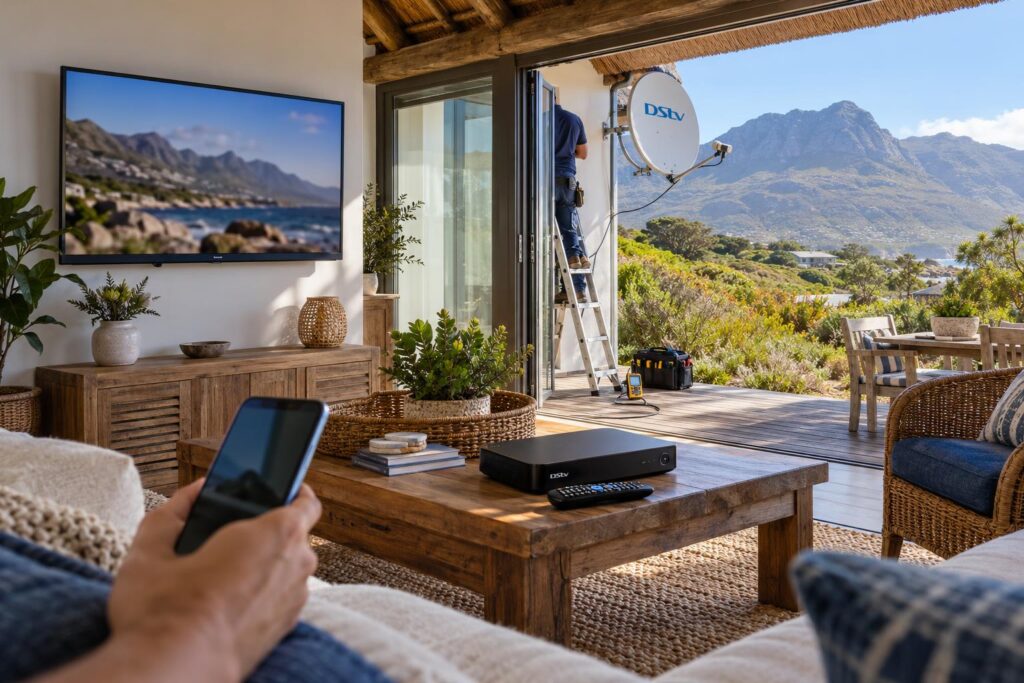
With a decoder subscription, you can also sign in to the DStv Stream app with the same account. The decoder covers the lounge. The app covers a phone, tablet or laptop elsewhere. No extra subscription is needed.
Which option suits your Betty's Bay home
We have set up both in every kind of home on this coast. This is the DStv Stream vs decoder advice we give most often.
Holiday homes that stand empty
Many houses in Hangklip, Silver Sands and off the Betty's Bay main road are empty for weeks. Stream has an appeal here: no box to fail and no dish to check. But the router and line must come back up on their own after a power cut, or nothing works when you arrive.
A decoder on EasyView between visits is another option. You move up to a bigger package the week before you come down. Our notes on getting an empty holiday home ready cover the router and power side.
Full-time families
For a family here all year, we usually suggest a decoder on the main TV. If you want recording, an Explora is the step up, and our Explora installation service covers the Smart LNB, recording and room linking. Use the app on the other screens.
Renters, complexes and short stays
If you rent, or the body corporate will not allow a dish, Stream is the obvious choice. It needs no holes in walls and leaves with you when you move. Just check the internet at the TV first.
Mistakes to avoid when you choose
Most of the call-outs we get after a switch come from the same few mistakes. Avoid these and you will save money and frustration.
- Cancelling the decoder before testing Stream. Run both for a month before you drop either one.
- Judging internet by the speed test on your phone. Test on the TV itself, in the room where you watch.
- Forgetting the data. If your line is capped, check your usage after the first week of streaming.
- Assuming an old smart TV will work. Check that it can install the DStv Stream app before you cancel anything.
- Blaming the subscription for a dish fault. If the picture breaks up in the wind, the problem is the mount, not the package.
- Paying for a contract you cannot use. A 24-month Premium contract saves money only if you watch all year.
If you are still unsure, write down three things: your internet type, how many TVs you use and how many months a year you are here. Those answers settle the choice in almost every home we visit.
Want a setup that just works?
We install and align dishes, set up decoders and Explora boxes, and fix the WiFi at your TV for streaming. We cover Betty's Bay, Pringle Bay, Rooi Els, Kleinmond and the Hangklip area.
DStv Stream vs decoder: frequently asked questions
Is DStv Stream cheaper than a decoder?
On Starter, Select and Sports, yes. At the time of writing (October 2026), Stream is R40 to R80 a month cheaper on those packages. Movies & Series costs the same, and Premium matches if you take a 24-month decoder contract. Remember to add your data cost to the Stream side.
Can I use DStv Stream without a decoder?
Yes. DStv Stream is a streaming only subscription that needs no dish and no decoder. You need an internet connection and a compatible device, such as a supported smart TV, phone, tablet or laptop.
Do I get DStv Stream free with my decoder subscription?
Yes. DStv decoder customers can stream on the app at no extra cost. Premium, Movies & Series and Sports include two anywhere streams, while Select, Starter and EasyView include one.
How do I enter the DStv Stream TV code?
Open the DStv Stream app on your TV and note the code on the screen. On your phone or laptop, go to dstv.stream/TV, sign in and enter the code. If it expires, reopen the app for a new one.
What internet speed do I need for DStv Stream vs a decoder?
A decoder needs no internet for live channels. For DStv Stream, DStv recommends an uncapped line of at least 4Mbps, and 10Mbps for HD. Test on the TV itself, not on your phone.
Which is better for a holiday home in Betty's Bay?
It depends on your internet and how the house is used. A decoder works without internet and can sit on EasyView between visits. Stream suits owners with reliable uncapped internet who do not want equipment on the roof.