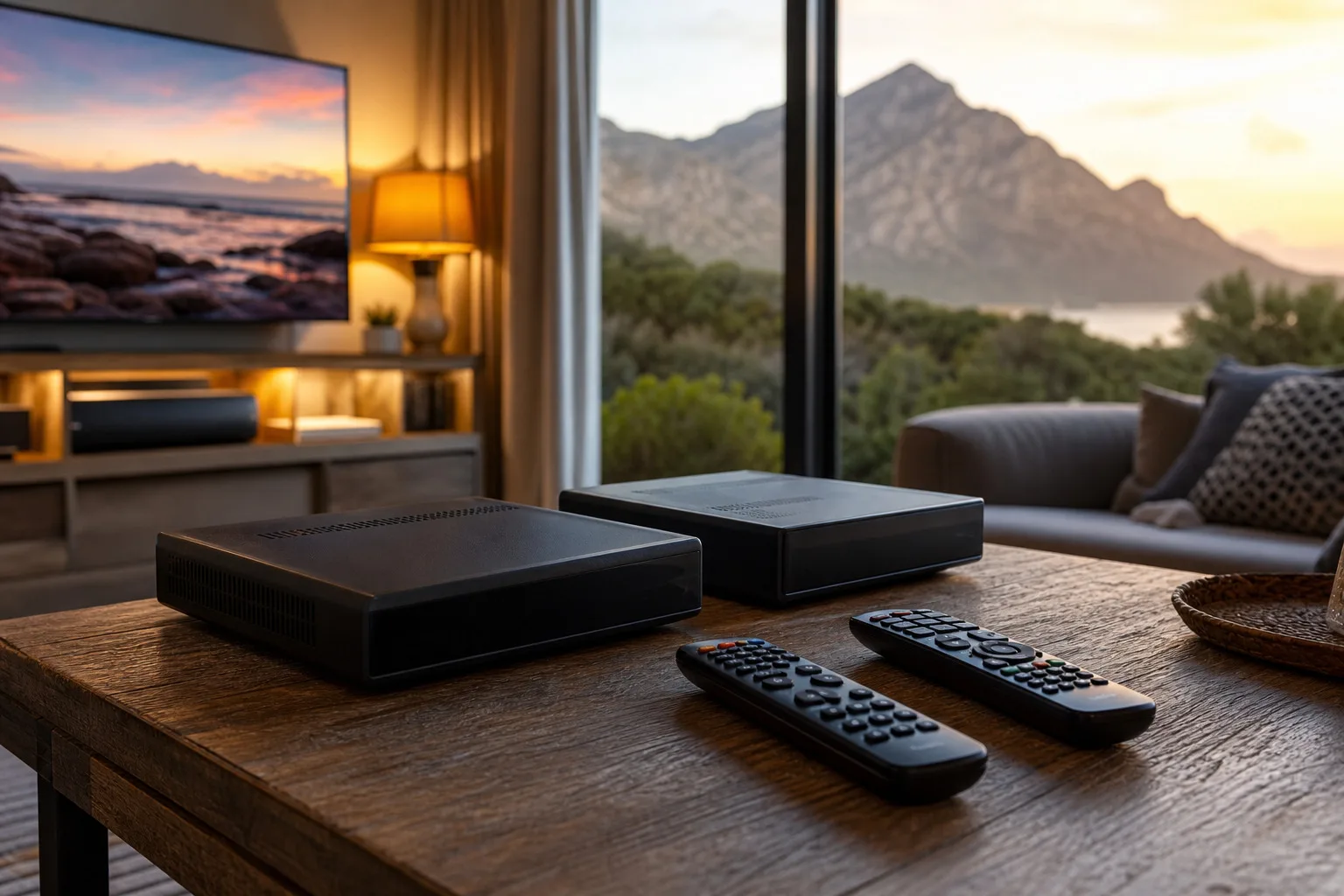
It is the question we get asked most in Betty's Bay living rooms: should I get the standard DStv Explora, or is the Explora Ultra worth the extra? Both are excellent decoders and both will record, pause and rewind live TV. The right answer depends less on the spec sheet and more on how your household actually watches television. Here is how we talk it through with customers before we install and set either one up.
What they have in common
Start with what you get either way. Both decoders give you a proper PVR: record your series, pause live TV to make a cup of tea, and rewind something you missed. Both support catch-up and on-demand content, both connect to your home Wi-Fi for the smart features, and both can be linked to extra decoders with XtraView so different rooms can watch different channels on one subscription. For a lot of homes, that is already everything they need.
Where the Ultra pulls ahead
The Explora Ultra's headline trick is that it folds streaming apps and connected services into the same box. Instead of switching your TV's input between a DStv decoder and a separate streaming stick, you move between DStv channels and streaming services from one remote, one interface, one device. If your household streams about as much as it watches satellite: and increasingly that is most households: the Ultra removes a genuine daily annoyance.
It is also the more future-facing box. As DStv leans further into hybrid satellite-and-internet delivery, the Ultra is built for that world. If you are the kind of person who would rather buy once and not think about it again for years, that counts for something.
When the standard Explora is the smarter buy
Plenty of homes do not need the Ultra, and we will tell you so. If you mainly watch live DStv channels, record the odd series, and do your streaming on a smart TV or a phone you are happy with already, the standard Explora does the lot and saves you money. There is no prize for paying for capability you will not use.
A standard Explora is also a perfectly good anchor for a multi-room setup. Link it to a second decoder with XtraView and you have independent viewing in the lounge and the bedroom without a second subscription: a setup we fit constantly in family homes and holiday houses.
What about the older decoders?
If you are still running an older Explora or a single-view HD decoder, the honest question is not "Ultra or Explora" but "is it time to upgrade at all". A box that records reliably, connects to the channels you watch and has not started playing up is not costing you anything by staying put. Where an upgrade pays off is when the old box is slow, no longer gets software updates, cannot connect to catch-up, or simply cannot keep up with how your household now watches. If you are replacing it anyway, that is the moment the Ultra's all-in-one design makes the most sense: you are buying for the next several years, not patching the last few.
A quick way to decide
- Choose the Ultra if you stream a lot, want everything in one box and one remote, and prefer to buy for the long term.
- Choose the standard Explora if you are mostly a DStv viewer, already stream happily on another device, and want the best value.
- Either is fine if your main goal is recording and multi-room viewing: both handle that comfortably.
- Keep what you have if your current decoder still does everything you need: we will tell you honestly when an upgrade is not worth it.
Getting the most out of it
Whichever you choose, the decoder is only as good as its installation. The Explora range needs a Smart LNB on the dish to work properly, a solid signal feeding it, and a stable network connection for the smart features. On the Overberg coast that means a dish that is aligned and mounted for the wind so your recordings do not get interrupted mid-show, and connectors sealed against the salt air so the signal stays clean.
When we install an Explora or Explora Ultra we activate it, set up recording and catch-up, connect it to your Wi-Fi, link any extra rooms with XtraView, and walk you through every feature before we leave: because a decoder you do not know how to drive is half a decoder. If you run a guesthouse or a larger home, it is also worth reading how multi-room viewing works across several rooms.
Whichever decoder you choose, our DStv installation Betty's Bay team handles the setup, activation and XtraView linking so it just works from day one.
Not sure which way to go? Tell us how your household watches and we will give you a straight recommendation: no upsell. Get in touch and we will sort you out across Betty's Bay and the Overberg coast.