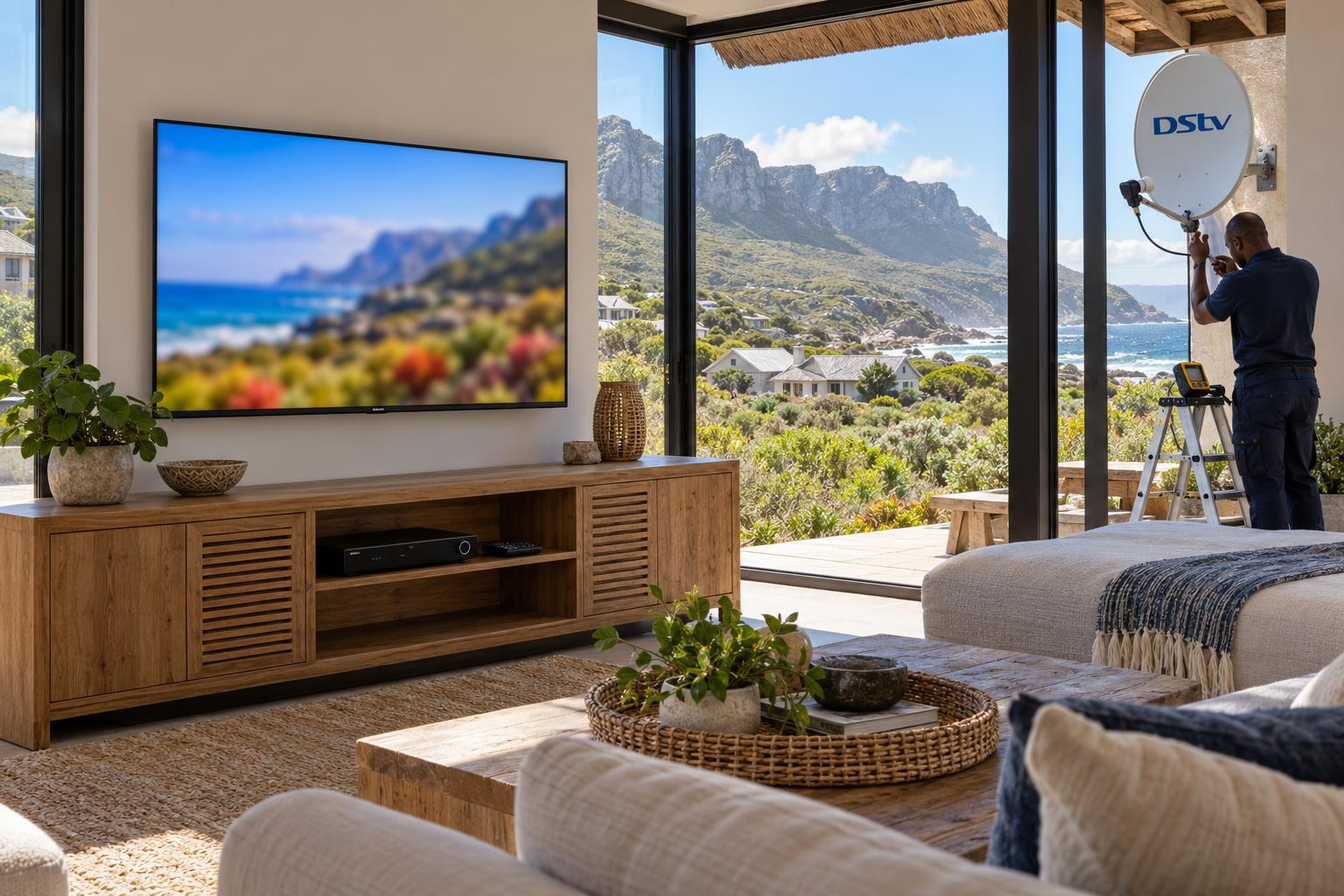
Quick answer: At the time of writing (October 2026), the DStv Explora price on the DStv online store is R2,999 for the Explora Ultra and R1,499 for the Explora 3B, decoder only. Both need a Smart LNB on the dish and carry a monthly Access Fee of R125. Installation is quoted on top, based on your roof, cable route and number of rooms.
The dstv explora price Betty's Bay homeowners ask us about is really two numbers. There is the price of the box, and there is the cost of getting it working on a windy coastal roof. This guide explains the full DStv Explora price, step by step, in the order we do it on site.
We start with what you need. Then we give you the numbered steps from buying to watching. After that we cover what goes wrong at each step, and finish with the local factors that change the job here on the Overberg coast.
What you need before you check the DStv Explora price
An Explora is not a plug-and-play box like a streaming stick. It needs the right parts on the roof and the right setup inside the house.
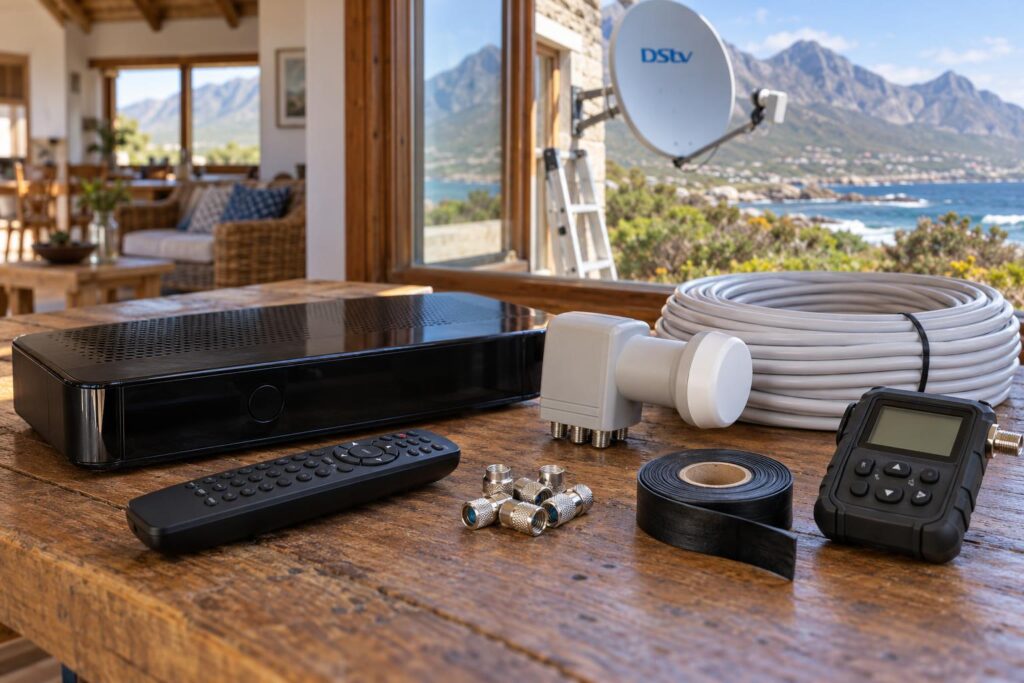
Most of the calls we get after a self-install come down to one missing part. So before you compare any DStv Explora price, check that you have, or are budgeting for, everything on this list.
The shopping list for an Explora setup
- The decoder: an Explora Ultra or an Explora 3B, with its remote.
- A Smart LNB: DStv's own store says the Smart LNB is needed for all Explora and most XtraView installations.
- A sound dish: straight, rust-free and on a firm bracket.
- Good coaxial cable: one continuous run, with sealed outdoor connectors.
- An active DStv subscription: plus the monthly Access Fee for the Explora.
- Internet: optional for live channels, needed for Catch Up and streaming apps.
If your current dish already feeds a working HD decoder, the dish itself is often fine. The LNB is usually the part that changes.
Key points before you buy
- The DStv Explora price in the store does not include the dish, Smart LNB, cable or labour.
- The Explora Ultra has built-in WiFi. The 3B connects through extra equipment.
- Recordings stay on the old decoder. They do not move to a new one.
- Store prices change with promotions, so always check on the day you buy.
DStv Explora price in October 2026: the official numbers
These are the prices on the DStv online store at the time of writing (October 2026). The store shows each decoder at a reduced price next to its earlier price.
| Item | DStv store price | Earlier listed price |
|---|---|---|
| DStv Explora Ultra (decoder only) | R2,999 | R3,299 |
| DStv Explora 3B (decoder only) | R1,499 | R2,299 |
| DStv Smart LNB (LMX502i) | R299 | None listed |
| DStv Smart LNB (LMX501) | R449 | None listed |
| DStv WiFi Connector | R199 | None listed |
| Explora Access Fee | R125 per month | None listed |
Retailers set their own prices, so the DStv Explora price in a shop may differ from the DStv store. Your monthly package is a separate cost again, and our guide to DStv packages and prices helps you work out the full monthly bill.
Explora Ultra price and what it buys
The Ultra is the flagship. It records up to 110 hours, pauses live TV for up to two hours, and supports 4K, HDR and Dolby Atmos. It also has a selection of streaming apps built in.
App subscriptions are not included. You pay for those separately.
Explora 3B price and who it suits
The 3B records the same 110 hours and has Catch Up, BoxOffice and series recording. It is HD rather than 4K, and it has no built-in apps.
For a household that mainly watches live DStv and records a few shows, it does the job for half the price.
Step by step: from DStv Explora price to a working decoder
This is the order we follow on every Explora job. If you follow this order, you avoid paying more than the DStv Explora price for wrong parts or a second call-out.
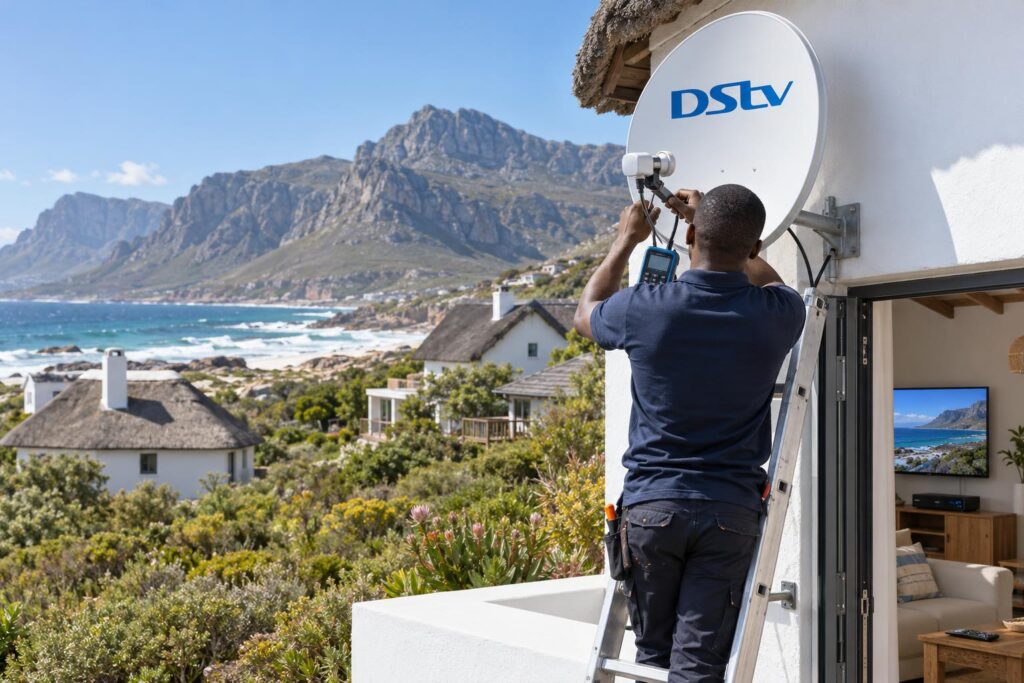
- Decide on the model. Think about how your household watches TV, not just the price tag.
- Check your existing dish. Look for rust, a bent reflector or a loose bracket.
- Fit the Smart LNB. Swap out the old LNB and choose the model that matches the number of decoders.
- Run or test the cable. Replace cracked or joined cable and seal every outdoor connector.
- Connect the decoder and TV. Use HDMI and run the decoder's installation wizard.
- Activate the decoder. Link it to your DStv account so the channels open.
- Connect to the internet. Use the Ultra's WiFi, or a WiFi Connector for the 3B.
- Link extra rooms. Set up XtraView if you want a second decoder in another room.
- Test everything. Check signal, a test recording, Catch Up and every TV point.
Step 6 is where many people get stuck, so we have written a separate guide on how to activate a DStv decoder for new and second-hand boxes.
If you are still deciding between models at step 1, our Explora vs Explora Ultra comparison goes through the choice in more detail.
Want it done properly the first time?
We supply, fit and set up Explora and Explora Ultra decoders across Betty's Bay, Pringle Bay and Kleinmond, with a clear quote before we start.
Troubleshooting each step of an Explora install
Here is what goes wrong at each stage, and what we do about it. Most of these faults are cheap to fix once you know what you are looking at.
Step 1 problems: the price looks too good
A second-hand box well below the DStv Explora price in the store can cost you more in the end. The hard drive may be worn, the remote may be missing, or the box may be blocked on someone else's account.
- Ask the seller for the decoder and smartcard numbers before you pay.
- Check with DStv that the box can move to your account.
- Test a recording and playback before you hand over cash.
Step 3 problems: the old LNB will not work with the Explora
An older standard LNB is the most common reason a new Explora shows no signal. The decoder is fine. It simply is not getting the right feed from the dish.
We fit the Smart LNB, re-point the dish and check the signal level on a meter. If the dish itself is past saving, our DStv dish price guide explains what a replacement involves.
Step 5 problems: the setup wizard keeps failing
If the wizard stops on a signal error, the fault is almost always outside. A loose connector, a water-logged joint or a dish that moved in the last storm will all do it.
Do not keep restarting the decoder. Check the cable at the back first, then call us if the error stays.
Step 7 problems: WiFi drops and Catch Up will not load
Live channels come from the dish, so they still work without internet. Catch Up and apps need a steady connection where the decoder sits.
Many of our Betty's Bay homes have the router at one end and the TV at the other, behind thick walls. Our article on DStv WiFi Connector setup covers the fixes for the 3B, and the same signal advice applies to the Ultra.
Explora Ultra vs 3B: which gives better value?
The DStv Explora price matters, but the better buy is the box that matches how you watch. Here is how we help customers decide.
Choose the Explora Ultra if:
- You want streaming apps and DStv on one remote.
- You have a 4K TV and want the sharpest picture DStv offers.
- You plan to keep the decoder for many years.
Choose the Explora 3B if:
- You mainly watch live channels and record a few series.
- You already stream on a smart TV and are happy with it.
- You want to keep the upfront cost down.
Both can be the main decoder in an XtraView setup, and DStv says both can link up to three decoders on one subscription. Our Explora installation service covers the Smart LNB, recording setup and room linking for either model.
Local factors that change your Explora installation in Betty's Bay
The DStv Explora price is the same in every town. What changes the final bill here is the setting: the wind, the salt and the way homes are used along this stretch of coast.
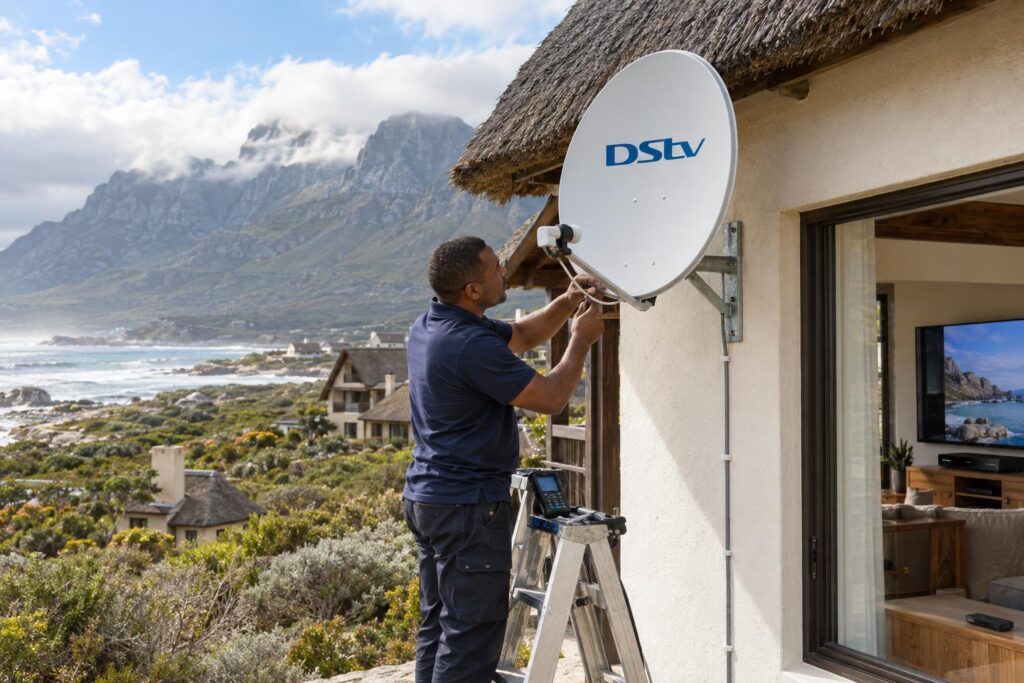
Wind and salt air from Hangklip to Kleinmond
The southeaster pushes hard on dishes all along this coast, from Rooi Els and Pringle Bay through to Hangklip. A dish that moves even slightly will interrupt recordings halfway through a show.
We mount with strong brackets and lock the dish down, as explained in our guide to dish alignment for the southeaster. Salt air also eats cheap connectors, so we seal every outdoor joint.
Holiday homes, Silver Sands and load shedding
Many houses in Silver Sands and off the Betty's Bay main road stand empty for weeks. After load shedding or a storm, a tripped plug or a router that did not restart can leave you with no Catch Up when you arrive.
- Put the decoder, TV and router on a surge-protected plug.
- Label the router and decoder so guests know which is which.
- Leave a short note on how to restart both.
Local tip: If you only visit on long weekends, ask us to check the Smart LNB and connectors on the same visit as your Explora upgrade. One trip up the ladder costs less than two.
Distance and roof access
Homes on the mountain side, with steep roofs and long cable runs through fynbos, take more time and more cable. A compact house near the beach with an existing dish takes less. That is why our DStv installation in Betty's Bay is always quoted per property rather than as one fixed number.
Is the DStv Explora price worth it for your home?
For most families who record shows or watch at different times, yes. Pausing live TV and catching up on missed episodes changes how a household watches, and both models do this well.
If you only watch live channels on one TV, a basic HD decoder may be all you need. We will tell you that honestly, and our Betty's Bay DStv installers can advise on the spot once they see your setup.
Ready to upgrade to an Explora?
Tell us which model you have in mind and send a photo of your dish. We will confirm what parts you need and give you a clear quote before we book.
Whichever box you choose, the real value comes from a steady signal and a setup you know how to use. Get those right and an Explora will serve you well for years.
DStv Explora price in Betty's Bay: your questions answered
What is the DStv Explora price in Betty's Bay?
At the time of writing (October 2026), the DStv store lists the Explora Ultra at R2,999 and the Explora 3B at R1,499, decoder only. The decoder costs the same here as anywhere else. Installation is quoted separately, based on your dish, cable route and roof.
What is the DStv Explora Ultra price per month?
DStv charges an Access Fee of R125 per month with the Explora Ultra at the time of writing. You also pay for your DStv package. Streaming app subscriptions are extra.
Does the DStv Explora price include a dish and installation?
No. The DStv Explora price in the store covers the decoder and remote only. The dish, Smart LNB, cable and labour are separate, and many upgrades only need a new LNB on the existing dish.
Can the DStv Explora connect to WiFi?
The Explora Ultra has WiFi built in. The Explora 3B is internet capable but does not have built-in WiFi, so most homes add a DStv WiFi Connector. You only need internet for Catch Up, BoxOffice and apps, not for live channels.
Do I need a Smart LNB for an Explora?
Yes. DStv says the Smart LNB is needed for all Explora installations and most XtraView setups. An older standard LNB is the most common reason a new Explora shows no signal.
Will my recordings move to a new Explora?
No. Recordings are stored on the decoder's own hard drive and do not transfer. Watch anything important before you swap the box.