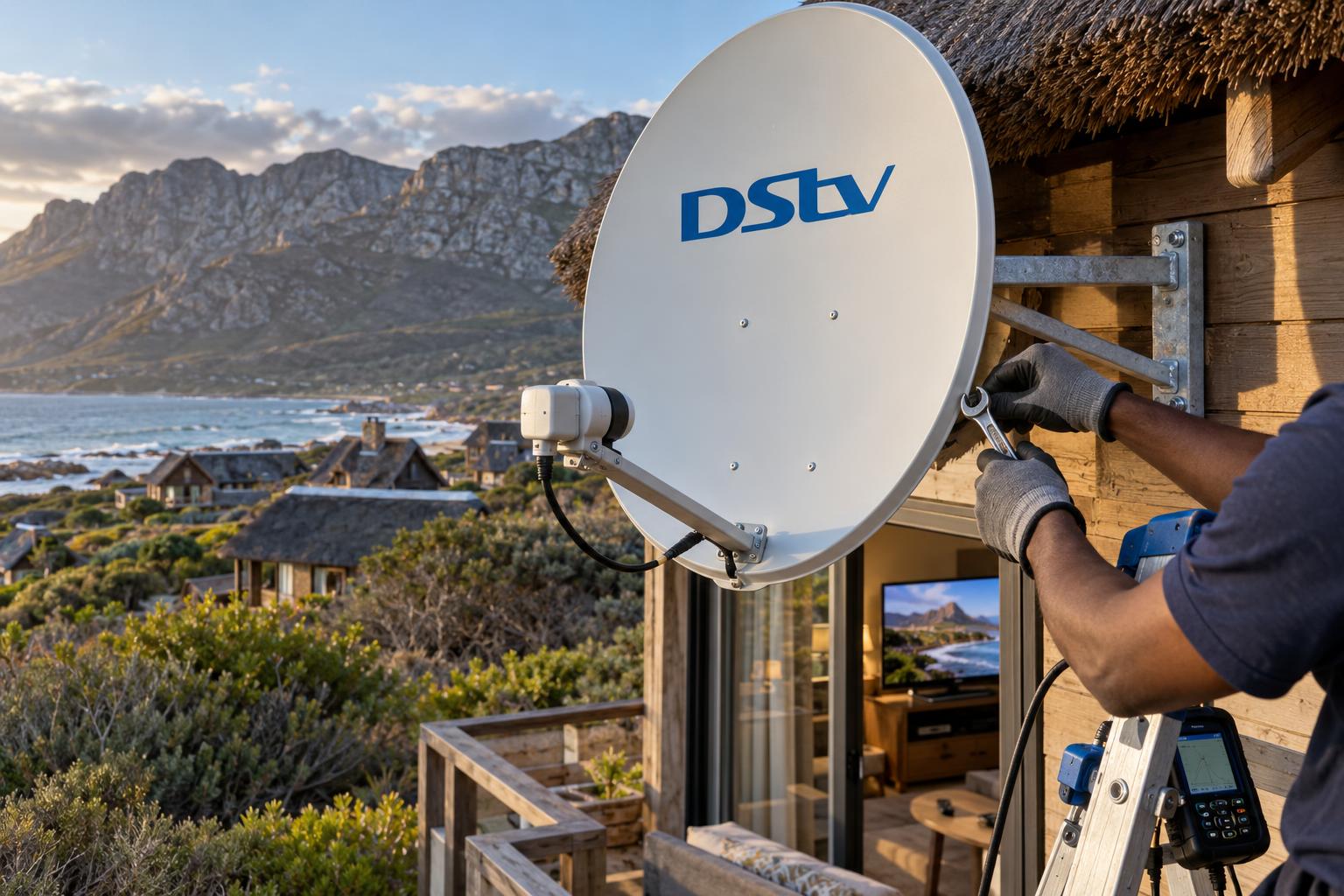
Quick answer: Most DStv picture freezing Betty's Bay homes see comes from a weak or unstable signal reaching the decoder from the dish. On the Betty's Bay coast, the usual causes are a dish nudged out of line by the south-easter, salt corrosion in the LNB or connectors, or old cable letting in water. Restart the decoder and check the cables first. If the picture still freezes on a clear day, the dish needs a signal meter and a technician.
It is a Friday evening. The wind has been pumping off the Kogelberg all afternoon, and the rugby is about to start. Then the screen breaks into blocks, the commentator stutters, and the picture sticks on one frame. It is frustrating, but it is rarely a mystery.
We get this call more than almost any other. The good news is that the cause usually sits in one of a few places. This guide explains what is happening, what you can safely check yourself, and when it is time to call us.
Why DStv picture freezing starts on the Overberg coast
Satellite TV needs a clean, steady signal from a satellite about 36,000 kilometres above the equator. Your dish has to point at it within a fraction of a degree. Anything that weakens that signal on its way to the decoder shows up as DStv picture freezing first.
Our stretch of coast is hard on satellite gear. The south-easter funnels down the mountain and leans on every dish, day after day. Salt spray drifts in from the sea and settles on brackets, the LNB and every outdoor connector.
Many homes in Betty's Bay, Pringle Bay and Rooi Els also stand empty for weeks at a time. Nobody notices a slow fault until the family arrives for the holidays. By then, a small problem has often become a big one.
What DStv picture freezing actually tells you
Digital TV does not fade into snow like old analogue sets. It either shows a perfect picture or it falls apart. When the signal drops below a usable level, the decoder runs out of data, so the picture freezes or turns into squares.
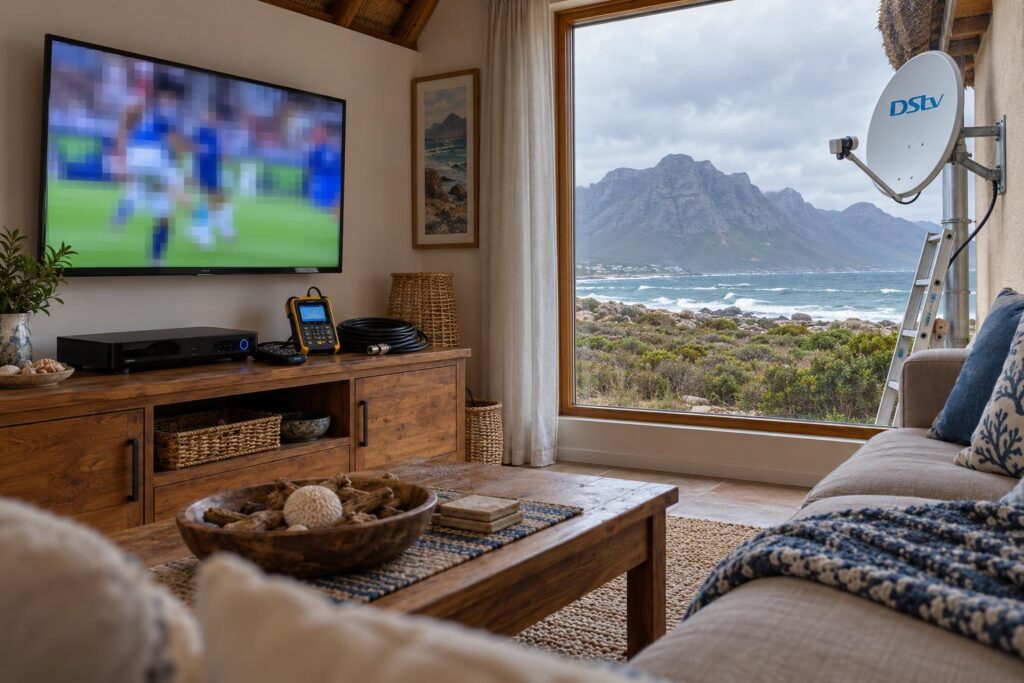
Freezing versus a full signal loss
DStv picture freezing and pixelation are signs of a marginal signal. The dish is still getting something, just not enough. If it gets worse, you will see an E48-32 message, which means the decoder cannot find a usable signal at all.
Think of freezing as the early warning. It is much cheaper to fix now than after the picture disappears completely.
Pixelating on some channels only
Sometimes only a few channels break up while others look fine. Different channels arrive on different frequencies, and some have less margin than others. When the signal is borderline, the weaker ones fail first. That pattern points to the dish or cabling, not the channel.
Freezing on DStv Stream or the app
If the freezing happens only on the DStv app or a smart TV, the dish is not involved. Streaming depends on your internet. Weak WiFi in a back bedroom, a busy line or a router rebooting after load shedding will all cause buffering.
Common causes of DStv freezing in Betty's Bay homes
We trace most DStv picture freezing faults on this coast to one of the causes below. Often there are two together, such as a slightly shifted dish and a tired connector.
- A dish moved by the wind. A few millimetres of movement is enough to weaken the signal.
- A corroded or failing LNB. The LNB is the part on the arm in front of the dish. Salt and moisture wear it out.
- Water in a connector. An unsealed outdoor joint slowly turns green and leaks signal.
- Old or cracked cable. Years of sun and salt break down the outer sheath.
- Something in the line of sight. Fynbos, milkwoods or a new building can grow or rise into the dish's path.
- A loose HDMI lead. This one is inside the house and easy to rule out.
The south-easter and a drifting dish
A dish on a light bracket, or one fixed to a fascia board, will creep out of line over a season. In Hangklip, Silver Sands and the higher parts of Betty's Bay the wind gets a clean run at the roof. We explain why mounting matters so much in our article on the southeaster and dish alignment.
Baboons are another local cause. A troop climbing over a roof can knock the LNB arm or bend the dish rim. The result looks exactly like wind damage.
Salt air, LNBs and connectors
Close to the sea, an unsealed connector can corrode within a season or two. The signal does not die overnight. It weakens slowly, so DStv picture freezing gets more frequent over a few months. Our guide to salt air corrosion prevention shows what properly sealed fittings look like.
Rain fade and bad weather
A very heavy downpour can briefly weaken any satellite signal. If the picture breaks up only in a real cloudburst and recovers when it passes, that is normal. If it freezes in light rain, ordinary wind or on a clear day, the system has too little signal to spare.
Local tip: Note when the freezing happens. "Only when the south-easter blows" points to the dish or bracket. "Worse after rain" points to water in a connector or the LNB. Tell us this when you call. It saves time on site.
DStv picture freezing fixes you can try at home
Work through these simple checks before you book a call-out. None of them needs a ladder. If one stops the DStv picture freezing, you have saved yourself a visit.
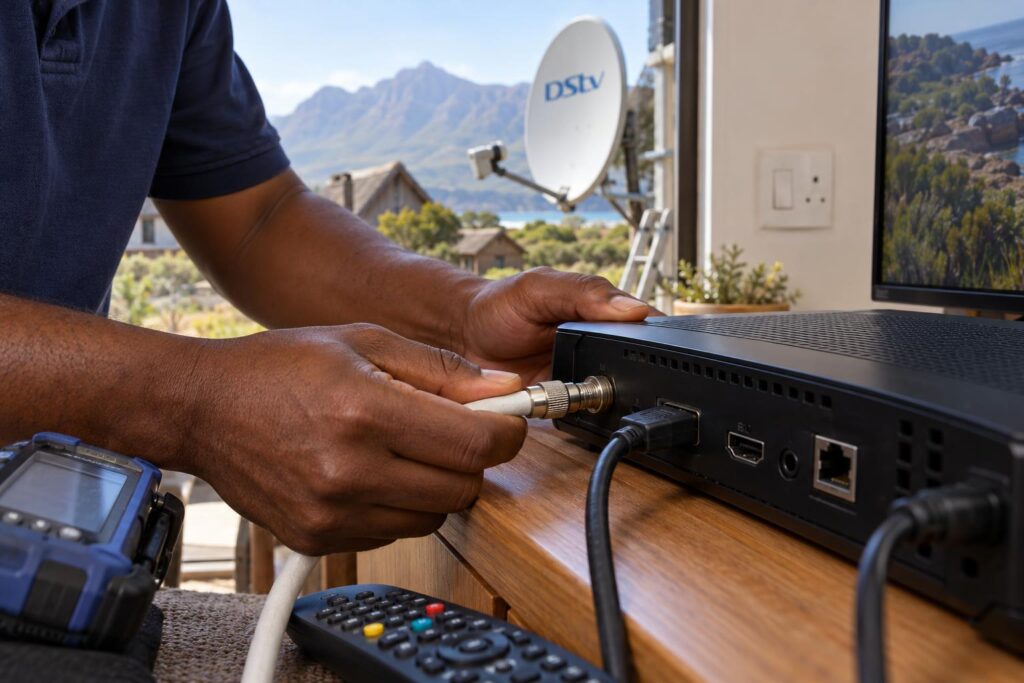
- Restart the decoder properly. Switch it off at the wall plug, wait at least 10 seconds, then switch it on again. This is DStv's own first step for signal errors.
- Check the satellite cable at the decoder. Make sure the round screw-on connector is finger tight. Do not use pliers.
- Look at the wall plate and any splitter. Loose or green-looking fittings are a red flag.
- Reseat the HDMI cable. Unplug it at both ends and push it back in firmly. Try another HDMI port on the TV.
- Check the signal screen. Your decoder's settings menu shows signal strength and quality. Watch the quality reading for a minute. If it jumps around or sits low, the problem is outside.
- Look at the dish from the ground. Check for a bent arm, a tilted dish, rust or cable flapping in the wind.
DStv lists these same basic checks on its official DStv error codes help page. If DStv picture freezing continues after all six steps, the fault is almost certainly at the dish, the LNB or the cable run.
Why we do not recommend climbing up yourself
Turning a dish by hand while someone shouts from the lounge rarely works. The TV picture reacts too slowly to show small changes. Most people make the signal worse, and roofs here are often steep, high and slippery with sea mist.
If the decoder itself will not power up, that is a different fault. Our guide on what to do when a DStv decoder won't turn on covers those checks.
Picture still freezing after the basic checks?
Our team covers Betty's Bay, Pringle Bay, Rooi Els, Kleinmond and Hangklip, often on the same day. Send us a photo of your dish on WhatsApp and we can usually tell you what we expect to find.
How we fix DStv pixelation: repair, realign or replace
When we arrive to sort out DStv picture freezing, we test the signal at the dish and at the decoder with a calibrated meter. That tells us exactly where the signal is being lost. We do not just reset the box and leave.
From there, the fix falls into one of three options. Our DStv repairs in Betty's Bay cover all of them, and we always explain the fault before we replace anything.
| Option | What it fixes | When it makes sense |
|---|---|---|
| Realign the dish | A dish knocked off target by wind or baboons | The dish, arm and bracket are still solid and straight |
| Replace LNB or connectors | Corrosion, water inside fittings, a failing LNB | The dish is sound but parts show rust or green staining |
| Replace cable run | Cracked sheath, joins outside, old cable that leaks signal | The cable is old, sun-damaged or has several joins |
| Replace dish and bracket | A bent reflector or a bracket that keeps moving | The mount has rusted or the dish has lost its shape |
Realigning so it stays put
Our dish alignment service sets the dish to peak signal quality with a meter, not by eye. We then check the bracket and fixings. If the mount was the real reason the dish moved, we tell you, because realigning a loose dish only buys a few weeks.
When a new dish is the better buy
If the reflector is bent or the bracket has rusted through, a new setup is often the cheaper long-term choice. You can see what that involves in our guide to what a new DStv dish costs. We will not replace working parts without a clear reason.
DStv picture freezing in holiday homes and complexes
Holiday homes along the Overberg coast have their own pattern. The system works at Easter, then sits through a wet winter with nobody watching. By December, the family arrives to DStv picture freezing and a weekend of guests.
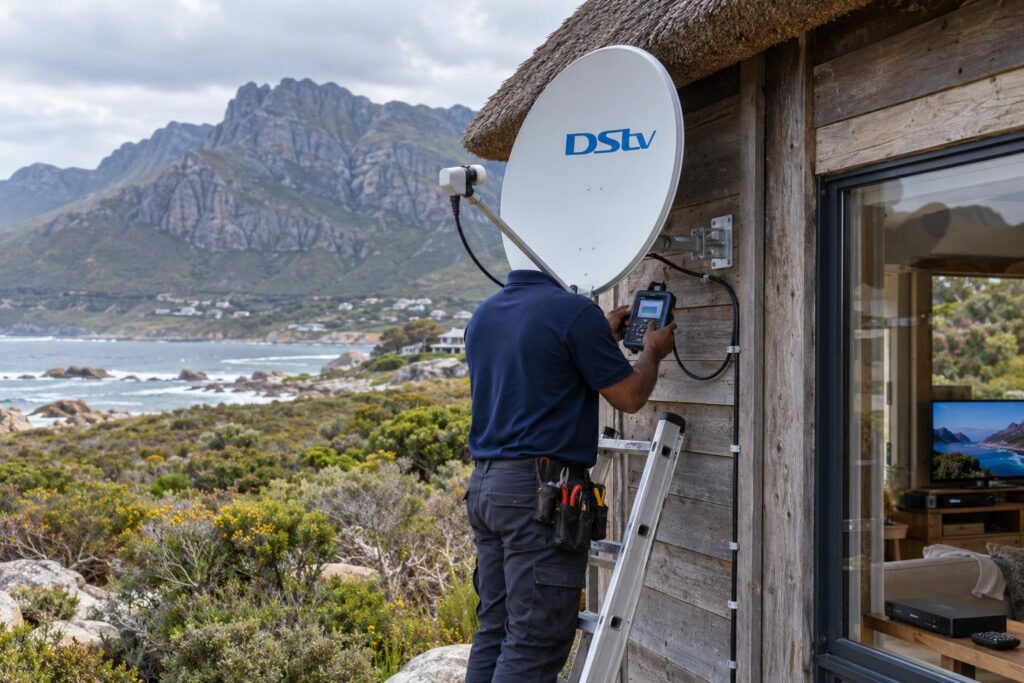
Complexes and shared-dish blocks in Kleinmond add another twist. One fault at the shared dish or switch can freeze the picture in every unit at once. A single unit freezing usually points to that unit's own cable or wall plate.
If the internet in your holiday home is solid, you may wonder whether a dish is still worth it. Our comparison of DStv Stream versus a decoder looks at which holds up better here.
Many owners book DStv installation in Betty's Bay a few weeks before the season to have everything tested while the house is quiet.
Load shedding and surges
Power cuts do not cause DStv picture freezing directly. But a surge when the power returns can damage a decoder or LNB power supply. A plug-in surge protector is cheap insurance for a home that stands empty for long periods.
Our DStv picture freezing checklist
Before you call anyone about DStv picture freezing, run through this short list. It helps us give you a clear answer on the phone.
Key points before you book
- Restart the decoder at the wall plug and wait at least 10 seconds.
- Check the satellite cable and HDMI lead are firm at both ends.
- Note whether freezing happens in wind, after rain or all the time.
- Note whether it affects all channels or only some.
- Take a photo of the dish and LNB from the ground.
- Check whether the app freezes too, or only the decoder.
A decoder that shows a different message, such as an E16 code, is an account issue rather than a signal fault. Our article on DStv error E16 explains that one.
For anything at the dish, send that checklist and photo to our Betty's Bay DStv installers and we will tell you what we expect to fix before we drive out.
Want a steady picture before the next south-easter?
We test, realign and weather-seal your system so it holds through the wind and salt. Clear pricing before we start.
Most cases of DStv picture freezing on this coast are fixed in one visit. The sooner we catch a marginal signal, the smaller the job.
DStv picture freezing Betty's Bay FAQ
Why does my DStv picture keep freezing in Betty's Bay?
Freezing usually means the decoder is getting a weak or unstable signal. On this coast, the common causes are a dish moved by the south-easter, salt corrosion on the LNB or connectors, or old cable. A signal test at the dish shows which one it is.
Is DStv picture freezing a decoder fault?
Rarely. In most cases the decoder is fine and the problem is outside, at the dish, LNB or cable. If the signal quality reading is high and steady but the picture still freezes, check the HDMI lead before you suspect the decoder.
Does rain cause DStv picture freezing?
A very heavy downpour can briefly break up the picture, and that is normal. If it freezes in light rain or on a clear day, the system has too little signal margin. That usually means alignment, a tired LNB or water in a connector.
Why does my DStv Explora freeze on some channels only?
Channels arrive on different frequencies, and some have less signal margin than others. When the signal is borderline, the weaker ones freeze first. It is an early sign of a dish or cabling problem, so it is worth fixing before it spreads.
Can I realign my DStv dish myself?
We do not recommend it. A dish must point within a fraction of a degree, and the TV picture reacts too slowly to guide you. A technician uses a signal meter and also checks the bracket, which is often the real cause.
Why does the DStv app freeze when my decoder is fine?
The app and DStv Stream run on your internet, not the dish. Freezing there points to weak WiFi, a slow or busy connection, or a router that needs a restart. Moving the router or adding an access point usually helps.